



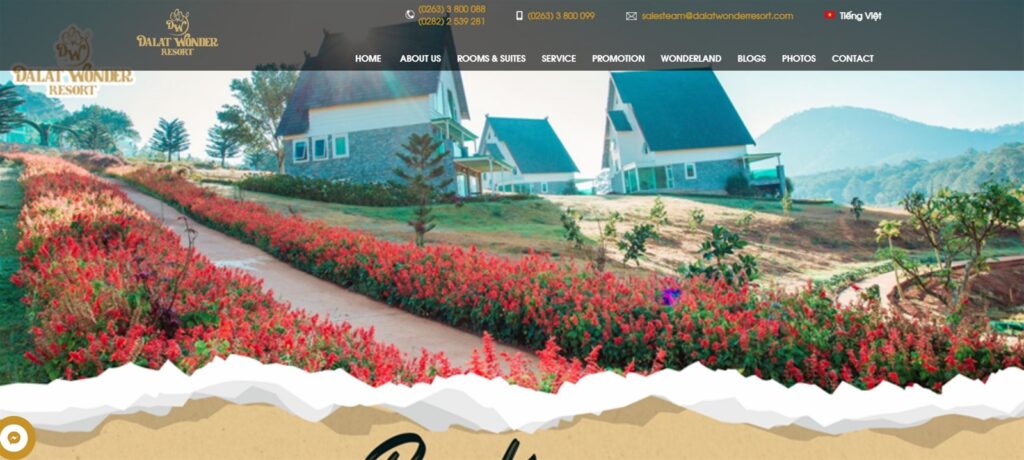
Step 1: Visit the website in the following link Dalatwonderresort.vn, ui home page will appear as follows:
Step 2: Search for room stay
Customers can search for rooms to stay by search engines or viewing the room was introduced at the website

Step 3: Select room
Customers choose hotel room fit. Room rates shown in this screen is the price not include taxes, fees, other.
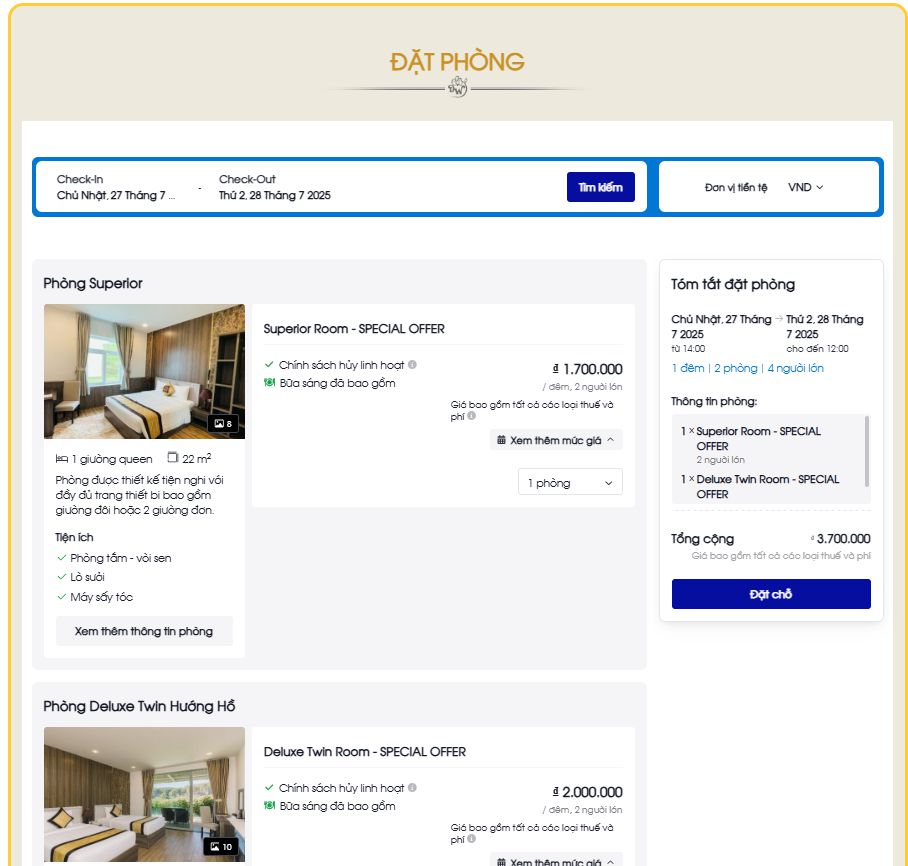
Select “View more information” to view the details and proceed to select the room stay fit >> indian, select “Reservations” to go to checkout
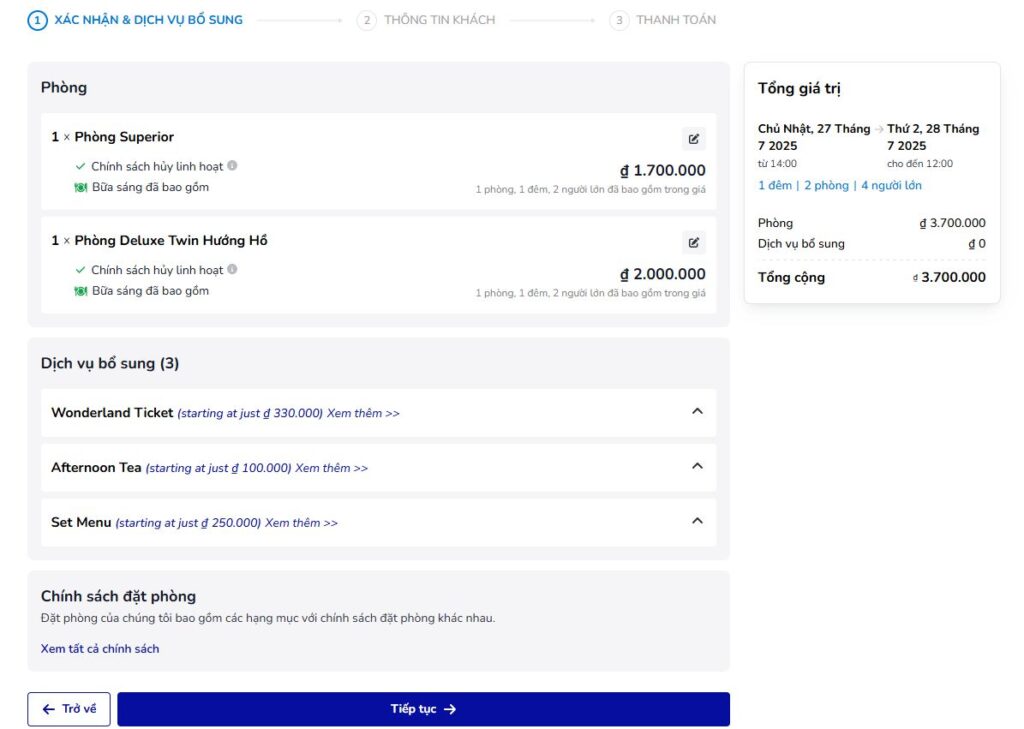
Step 4: payment orders
- Customers check the booking information, rates, additional services and regulatory policy of booking, after reading the information, manipulate select “Continue” to move to the next step
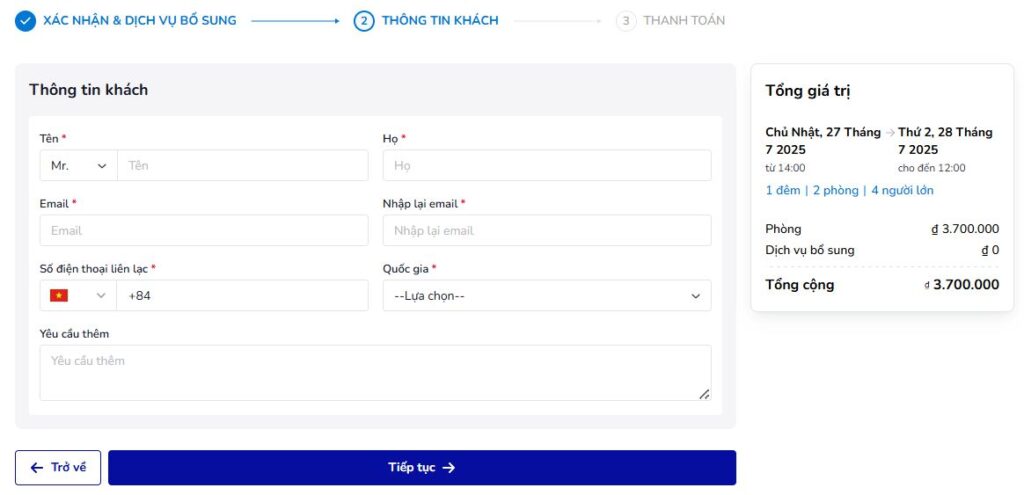
Complete customer information, emails, and additional requirements (if any), then select “continue” to select a payment method
Proceed to payment to complete the booking
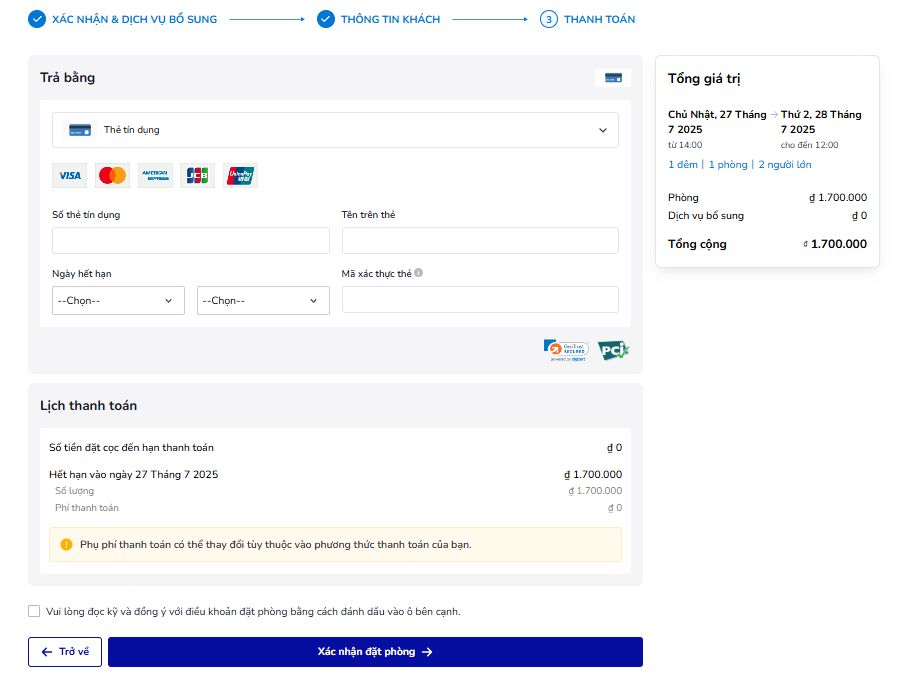
Customer booking confirmation to complete, the system will send a booking confirmation via email to the customer.